

EditPlayer
Play everything. Edit instantly. A free video player that plays almost every format, with a full quick editor built in.
First-time security warning? The “How to install” file inside the zip has the full steps — give it a quick read.
A closer look
A player that just works
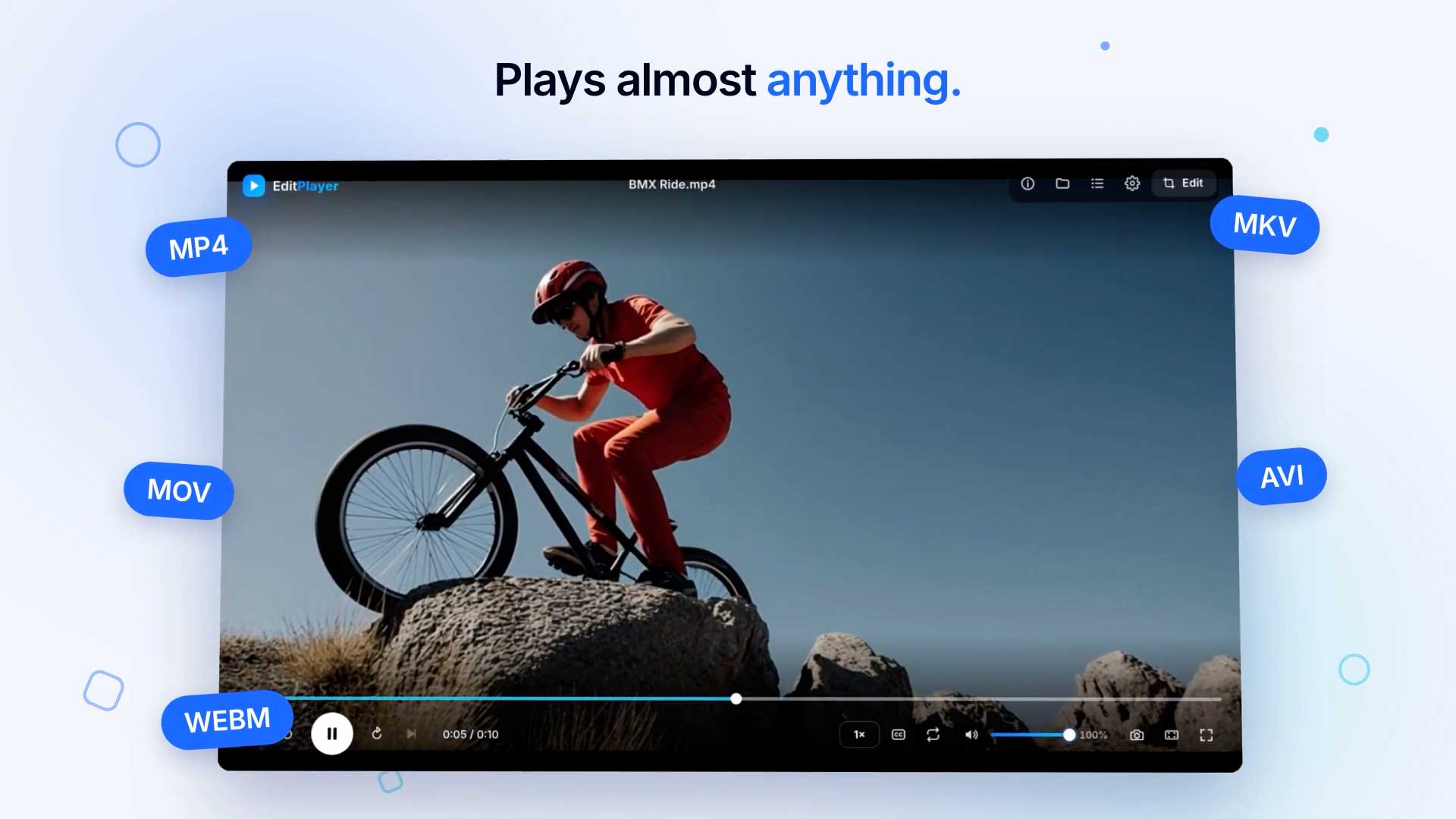
Plays almost everything
MP4, MKV, AVI, MOV, WMV, FLV, WebM, MTS/M2TS, VOB, 3GP, MXF, MP3, WAV, FLAC and more — no codec packs needed.
Made for movies
Sound and picture stay in sync, even after jumping around in long films.
Multiple audio tracks & subtitles
Switch languages with multiple audio tracks. Built-in subtitles, plus .srt / .vtt / .ass files.
Precise playback control
Frame-accurate seeking, playback speed control, and Fit / Fill screen.
Set as your default player
Make EditPlayer your default video player — double-click any video and it opens here.
Download from a link
Paste a video link to download it (up to 1080p) and open it right away.
Quick edits, no separate app
Trim & Timeline
Cut out parts, split clips, arrange layers on a timeline, and move frame by frame.
Transform
Crop presets (16:9, 9:16, 1:1, 4:5, 4:3), rotate, flip, position, scale and opacity with keyframes.
Text
26 fonts including Hindi and Bengali, 16 text animations, glow, gradient and outline. Add a watermark over the whole video.
Captions
Auto captions made by AI on your own computer, or import .srt / .vtt / .ass. 11 animated caption styles, including karaoke and word-by-word.
Shapes & Drawing
Squares, circles, brush and pen.
Overlay
Logos and images with blend modes, picture-in-picture video, and green screen (chroma key).
Color
Ready-made looks, import LUTs (.cube), and full colour grading with curves, colour wheels and vignette.
Effects
10 transitions, Warp Stabilizer for shaky footage, Dreamy Glow, Blur and Mosaic Blur (whole frame or one area).
Audio
Background music, volume and fades, Enhance voice, Remove music (AI), and Auto silence cut.
Fast Export, ready to share
Export to MP4, MOV or MKV, with presets for Reels / Shorts (1080×1920) and other social sizes.
Projects save automatically
Reopen a video and your edits are right where you left them.
Everything stays on your computer
No account, no upload — all processing happens locally.
Version 2.0.0
2026-10-04Effects tab (Transitions, Warp Stabilizer, Dreamy Glow, Mosaic Blur), watermark, blend modes, default video player, new Windows installer, audio/video sync fix.
System requirements
Mac
- macOS 13 or newer
- Apple chip (M1 or newer)
- 1 GB free space
Windows
- Windows 10 or 11 (64-bit)
- Intel Core i3 / AMD Ryzen 3 or better
- 4 GB RAM (8 GB recommended for editing)
- 1 GB free space
Download size: about 125 MB. Internet is only needed for link downloads and updates.
How to install
On Mac
- 1. Open the downloaded
.dmgfile. - 2. Drag EditPlayer into your Applications folder.
- 3. First time only: right-click the app → Open → Open again to confirm.
- 4. If macOS says the app is “damaged”, open Terminal and run:
xattr -cr /Applications/EditPlayer.app
On Windows
- 1. Run the downloaded installer.
- 2. If “Windows protected your PC” appears, click More info.
- 3. Click Run anyway to continue installing.
- 4. Follow the on-screen steps to finish.
First-time security warning? The “How to install” file inside the zip has the full steps — give it a quick read.
FAQ
Yes — EditPlayer is completely free to download and use.
Developed by Suraj Chauhan · Shutterbugorg
← Back to Shutterbug